At Crisp, our goal is to not only provide you with an excellent forecasting tool, but to make collaboration easier for you too. You can invite your collaborators to view or edit your account so each of your stakeholders can contribute to and operate from the same forecasts.
Invite users to your account
Follow these steps to invite collaborators and stakeholders to your Crisp account.
-
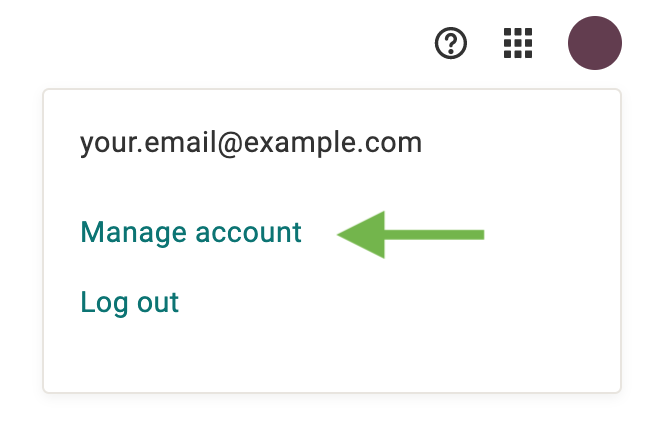
Click your profile in the top right of the account dashboard
-
Select Manage Account from the dropdown
-
Under Account Details, you will see a section listing the current account members. Click the edit button to manage and add members

-
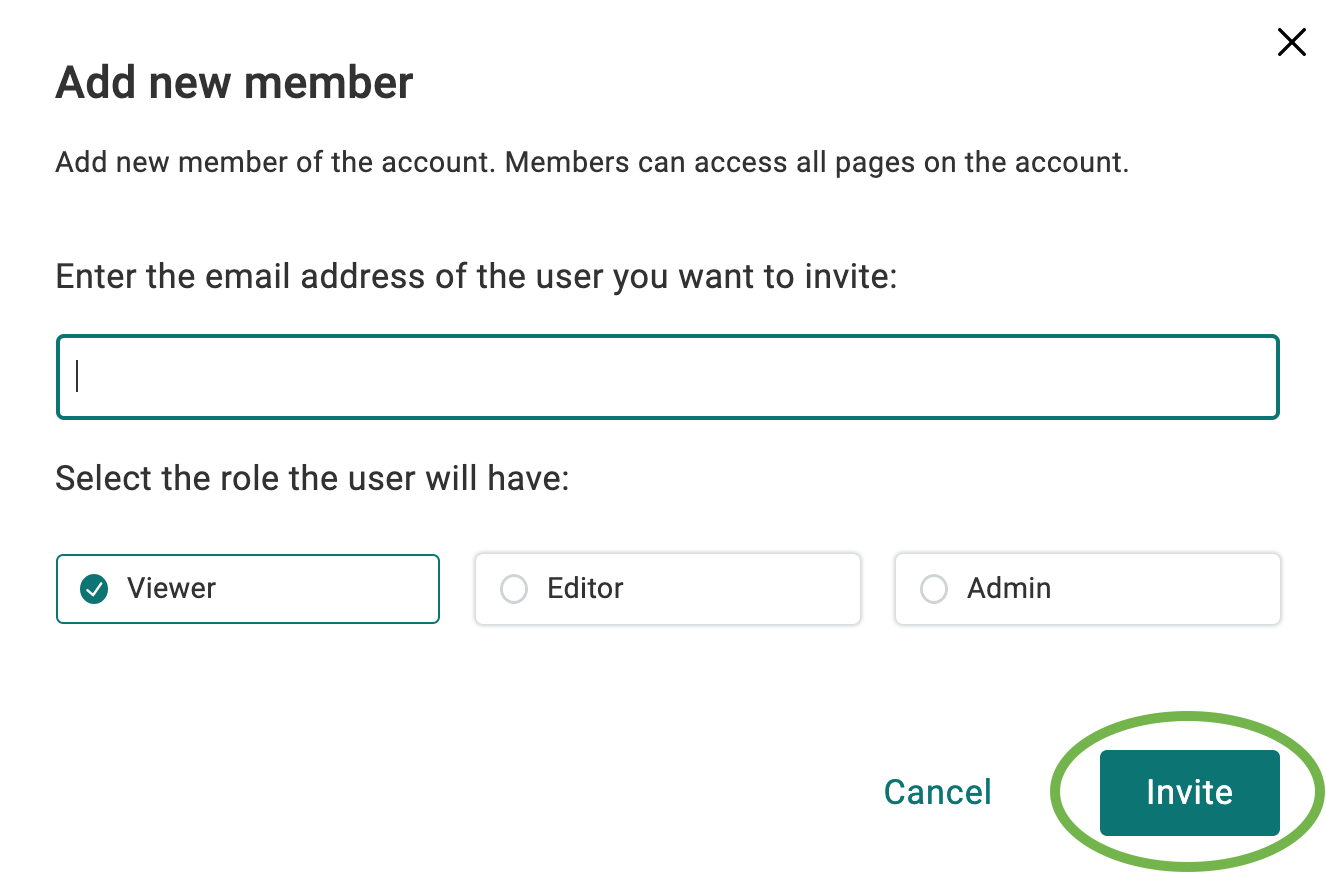
Click the Invite a User button

- Enter in their email address and choose whether they should be a viewer, editor, or admin. Then click Invite to send an email invite to that user
Next steps for invitees
Once your invitation has been sent, your invitees can follow these steps to join your account.
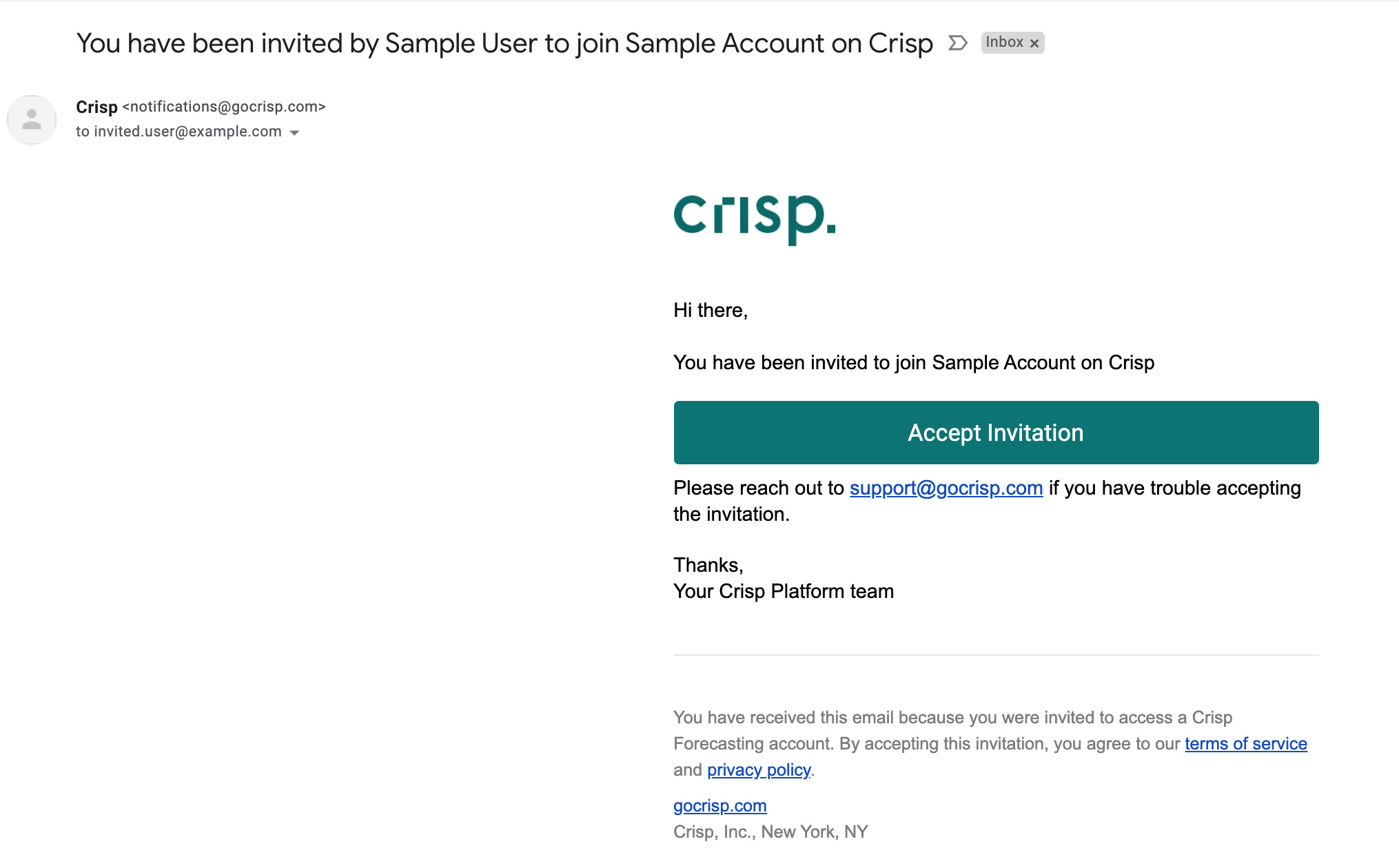
- Invitees will receive an email from notifications@gocrisp.com informing them of your invitation
-
The invitee should click Accept Invitation
-
Then click Get Started
- The invitee now has access to your Crisp account