Suppliers that sell their products through Faire.com have access to point of sale data through Crisp via direct connection to Faire.com.
By setting up a connection between Crisp and this portal, you can feed your data into any data destination.
To connect your Faire data to Crisp:
- Send an email to Faire to request the API token that you will need to set up the connection. Use the following email address and email template.
- Email address: integrations.support@faire.com
- Email template:
Hello Faire Support,
I am requesting our Brand’s API key in order to integrate with our 3rd party partner, Crisp. I have included our account information below:
-
Brand Name
-
Contact Name
-
Contact Phone
-
Contact Email
-
- Log into your Crisp account.
-
From the main menu on the left side of the screen, select Connectors.
3. Select the Add connector button.
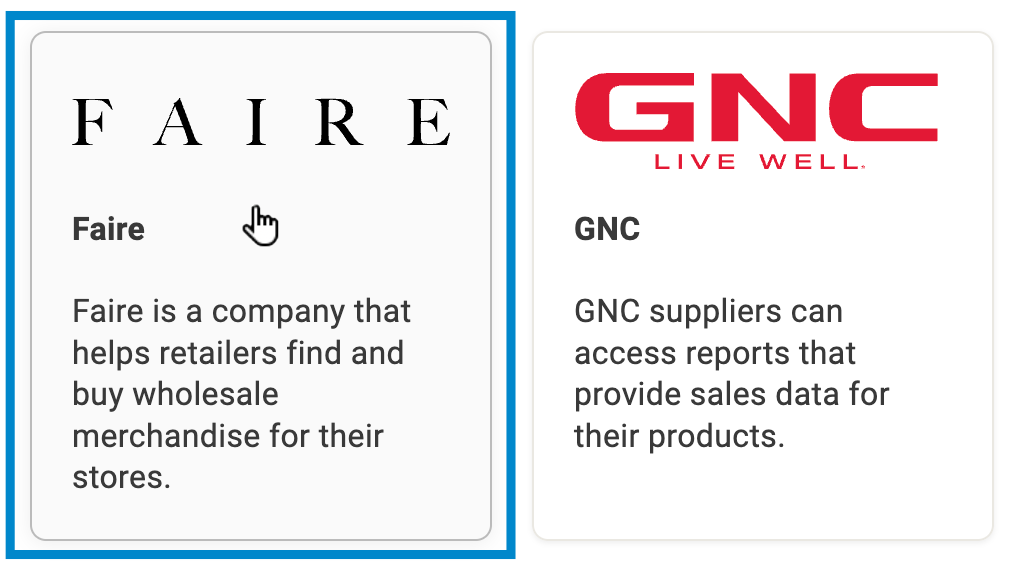
- Select the Faire connector tile.
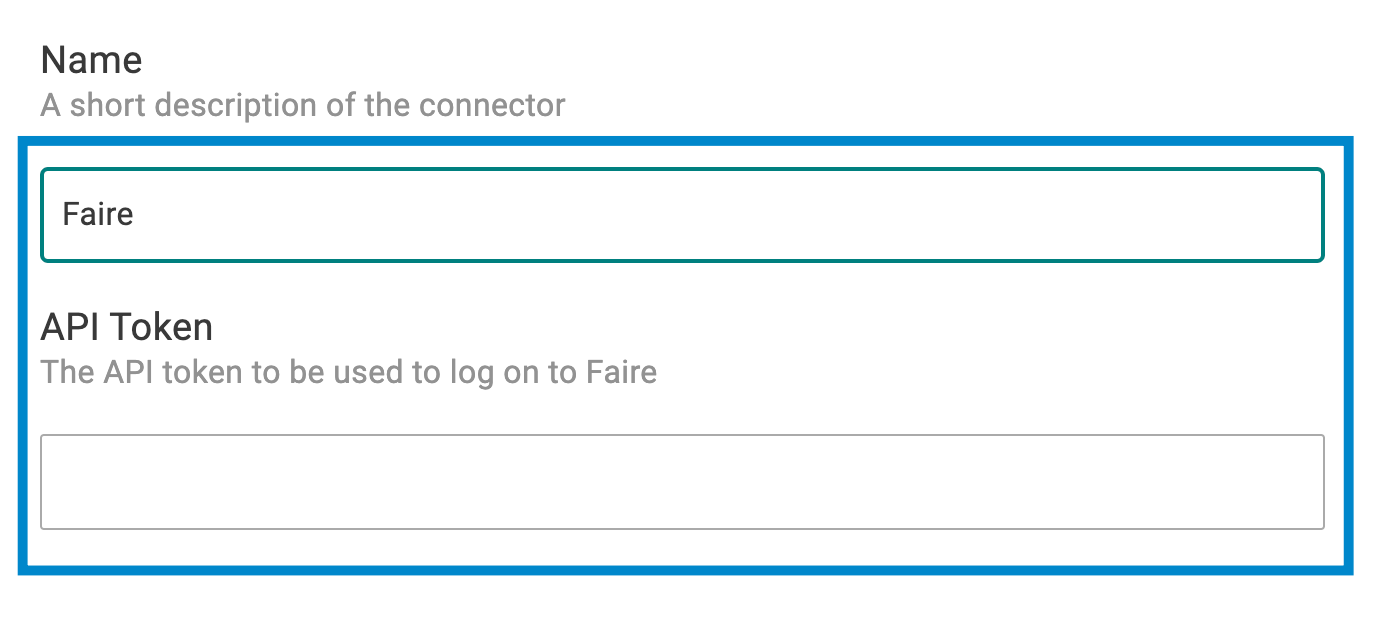
- If you want, update the name for the connector. Then, enter your API token for Faire.com.
- Select the Save button.

A diagnostic checklist appears on the right side of the screen. Once all the items are complete, green check marks appear next to them and the connection is finalized.